
 +1 323 641 4417
 +44 740 327 9473
 +61 488 853 632
 +91 852 710 0131
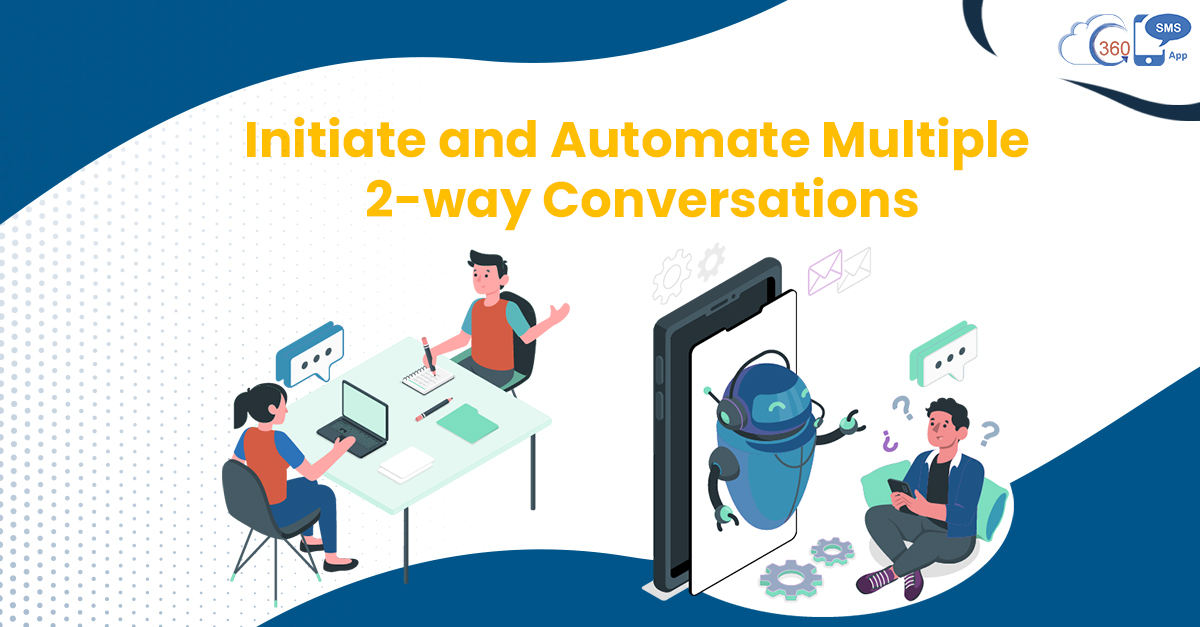
Communication at scale is the most common business activity that organizations often deal with. But the task becomes more challenging when agents have to get into multiple 2-way conversations simultaneously.
On the one hand, two-way communication helps to reduce the counts on incoming inquiries. On the other hand, it increases the employee’s workload if there’s no conversation management platform to handle multiple conversations at once.
Table of Contents
Why one should be equipped to manage multiple 2-way conversations
Two-way communication provides the most convenient way for agents and customers-both to interact in real-time. This makes it much easier and quicker for customers to get their answers right away. Besides, agents can cut down on conversations count and have only meaningful conversations.
Let’s say you’re sending out a text to millions. Then there are possibilities that recipients respond in real-time and indulge in varied interactions. This could mess up the situation and make it difficult for agents to handle multiple interactions simultaneously. Consequently, this could make the communication process intricate and time-consuming, and agents may send irrelevant responses.
How to manage multiple multiple 2-way conversations
effortlessly?
There could be multiple ways to initiate or automate multiple 2-way conversations and intervene if required.
Automated Conversations-one way out of multiple 2-way conversations
Automated conversations provide you one of the best ways to cut back on manual intervention and dedicate your time to other two-way communication channels. You can automate interactions to collect data, run surveys, and qualify leads through DIY-configurable conversation trees.
This feature is called itext in the 360 SMS app. You can design series of questions and answers and trigger the next question based on your answers. This way, you can qualify leads faster using two-way communication without actually intervening. This is one way of managing a 2-way conversation out of multiple 2-way conversations.
Sender ID Management To Initiate a 2-way conversation
This is another way to initiate two-way communication.
No matter who is sending out text messages, with the help of sender ID management, the responses are assigned back to the right lead owner.
Thus, lead owners can immediately take care of incoming leads without letting them wait for so long. This helps to qualify leads faster and fill the lead pipeline easily with two-way communication.
Filtered Call-down List for Productive 2-way conversations
CTI in 360 SMS can also help you have two-way communication simultaneously.
One can also use the custom call-down list to get into meaningful conversations. Once you have a list of qualified candidates, you can use it to have a two-way conversation with prospects on calls.
If needed, you can also use filters to segment your call-down list based on your prospect’s responses and prioritize your phone calls.
1-on-1 communication for faster case resolution through 2-way conversations
You can also intervene and make the best out of your qualified lists of prospects to drive conversions. You can address such leads personally through 1-on-1 conversation and resolve their concerns right away. This could help you to invest your time in prospects with high buying intent and drive them towards conversions.
Fill up Lead Pipeline Faster with Multiple Conversations At Once
So, with multiple messaging routines, one can easily automate interactions and tap into multiple conversations simultaneously. More importantly, users do not have to put much effort into managing these conversations as some of them are automated and work in the backend.
So, rather than qualifying leads one by one by dedicating your complete attention, you can qualify multiple leads by having multiple conversations at once.
This would help you fill up your lead pipeline effortlessly and maximize conversions.
To know more about how to manage text conversations at scale and other tasks simultaneously, get in touch with our experts at sales@360smsapp.com or contact us here.