
 +1 323 641 4417
 +44 740 327 9473
 +61 488 853 632
 +91 852 710 0131
Sidestepping customary interactive ways like emails and phone calls, SMS is turning out to be a widely-preferred business communication method. The value added by texts to any business is somewhere intriguing business personnel to take up texting for business communication.
To accommodate the expanding demands of customers through automation and empower users to cut back on manual efforts, Salesforce has impressively glided the SMS Drip Campaign feature in its native texting solution, 360 SMS App.
Table of Contents
Drip Campaigns over text
The word ‘Drip’ is not new to people. The most common instance of the healthcare industry is patients are put on drips setting an interval of fluid supply.
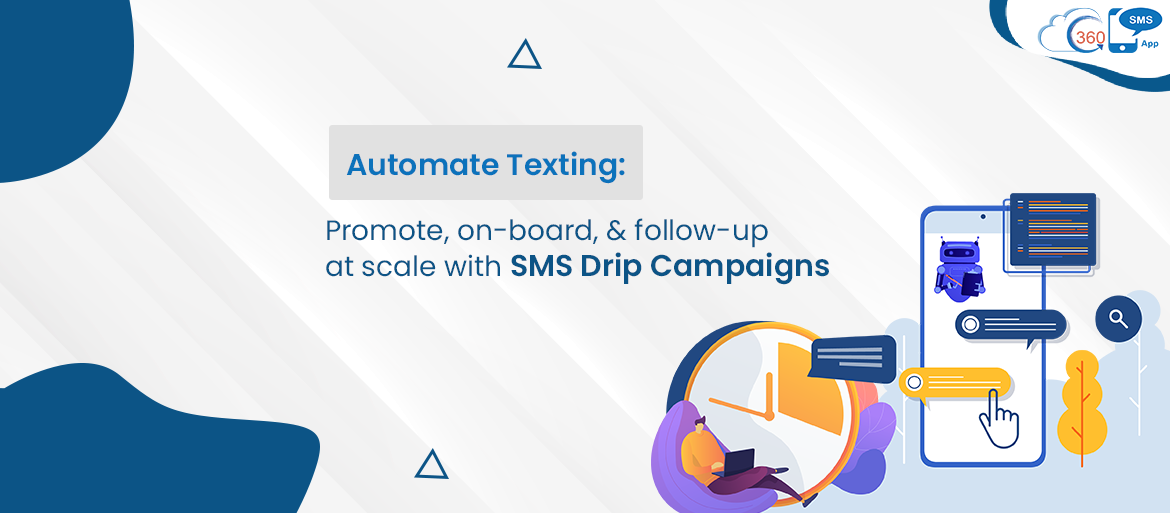
Based on the same mechanism, the 360 SMS apps’ Drip Campaigns work. So, merging the power of automation with texts, the feature equips its users to define a series of SMS templates, SMS surveys, or Ringless voicemails that you can schedule at different time and frequency.
Timely Automated Text follow-ups, Wherever you want them
With a lot of busywork, reliance on manual efforts to send time-sensitive messages like when customers’ payment deadlines are overhead will not solve the purpose. And sending text messages to thousands of customers is one of the scenarios that a business can encounter anytime.
In fact, for messages like payment reminders, follow-ups, the frequency is far more than messages sent for other purposes. Thus, it could be a strenuous task for organizations to send messages manually within a specified timeframe.
So, reducing the manual workload, Drip Campaigns helps you with automated messages. For time-sensitive messages, you can schedule messages for specific days along with time. Also set frequency depending on whether you want them to go out once, weekly or monthly.
Further, with a hard and fast rule, Drip Campaigns are not unstoppable, that goes on, once started. You can put a halt on these automated messages if any Salesforce event takes place. Like any reply to an SMS, record creation, etc.
Benefits you can count on
Saves Time
Every second worth when it comes to making money in business. Hence, the Drip Campaign is a time-saving functionality that allows you to save ample time by speeding up the message-sending process through automation. Once you schedule messages, you can relax without worrying about messages that need to go out on specific days and times.
Improves Employees Efficiency
The more indulged employees are at work, the less will be time for other non-core tasks. This way, the graph of efficiency continues to go up and down.
Hence, the automated process frees up a lot of employees’ time resulting in more work and efficiency. Rather than sending SMSes manually, the message-scheduling ability facilitates employees to schedule messages for once and invest their time in other high-priority tasks.
Get in front of recipients at Your preferred times & channels
Earlier, the message-sending process was dependent on the physical existence of an employee to shoot out time-sensitive messages. But 360 SMS Drip Campaign feature has made it feasible to pre-schedule messages as per the requirement and drop them accurately at the time you want. Without much effort, businesses can connect with customers at a specified time and also plan a time-gap of messages with a time offset that you want to drop in customers’ inbox.