
 +1 323 641 4417
 +44 740 327 9473
 +61 488 853 632
 +91 852 710 0131
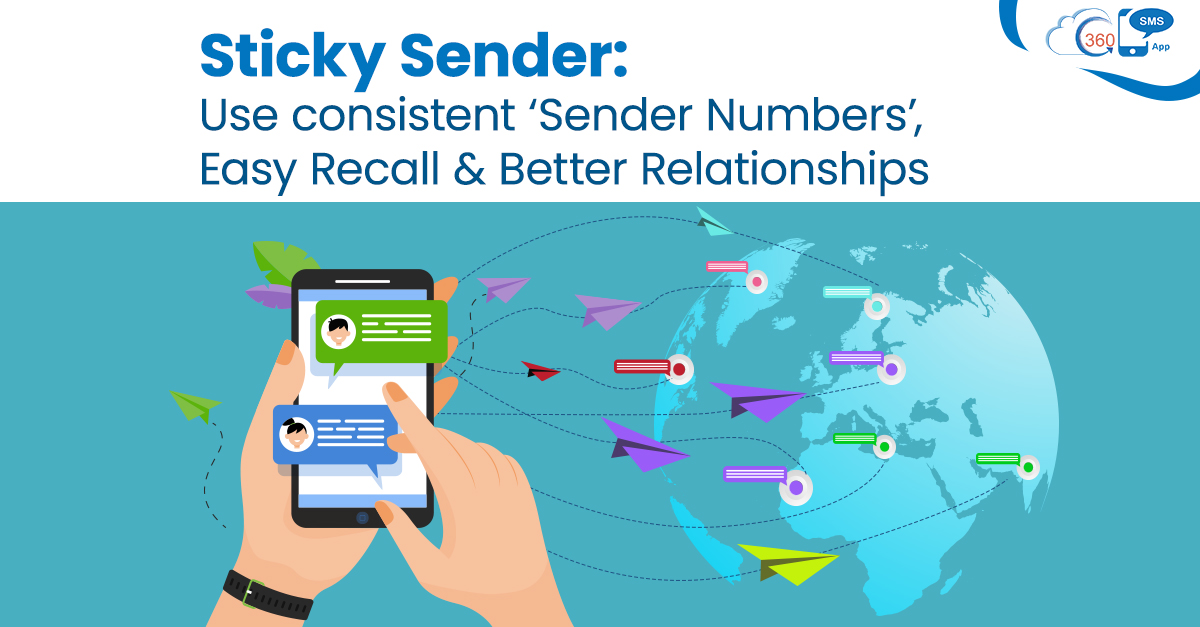
The growing usability and popularity of mobile phones among users, has also extended the capacity of business personnel to reach customers faster. But those gains are washed away easily by bad perception and mistrust in a world where SPAM runs rampant. This has made Sender IDs or phone numbers key to the recall and trust that message recipients attach to a relationship. So now, account managers need to use consistent, repeatable phone numbers and Sender IDs that are also geographically similar.
Like it or not, the Sender ID is also prominent and stands out in SMS notifications.
Sidestepping the older ways of communication like emails and phone calls, now texting has become the most popular choice of businesses. Organizations can get in touch with customers at scale within a few seconds.
Unlike before, now businesses are empowered to pass on time-sensitive information, much conveniently due to the text messages.
Though, certain loopholes may hamper your text campaigns’ effectiveness if you do not pay heed to every trivial messaging aspect. And one of them is the number you are using to connect with your geographically scattered audience.
Sender ID: Value-added through recall
Salesforce native app is a one-stop messaging solution that can overcome every trivial texting hassles with ease. Even if the inconsistency in the sender’s numbers is what hampering the response rate, 360 SMS App is empowered to resolve such a concern effortlessly through its Sticky Sender feature.
Let’s dive in a little deeper to find out more about the Sticky Sender’s potential for businesses
What even is the ‘Sticky Sender’?
Its name says a lot about this feature, as the name suggests Sticky Sender lets its users stick to a specific ‘Sender ID’ or sender number throughout conversation while sending messages to a particular customer. They help recipients believe they’re not being spoofed by an SMS.
Usage of different numbers for every text you send is a roadblock while inspiring trust in your services. It’s because customers are more likely to trust numbers from local geographies rather than international ones.
Redirect responses back to lead owners, no matter who sends the message
Sticky Sender can help you to reach people using the local number where your recipient is residing. You just need to select the preferred sender number once for sending a text message to a particular person.
After that, as you try to contact that person again, it fetches the designated sender’s number automatically. So without remembering the last number used, the Sticky Sender makes it feasible to stick to a specific number for a specific customer for all future conversations.
Whether you’re using WhatsApp, Voicemail, or CTI call, using Sticky Sender, you can get in touch with your customers with the same number maintaining consistency.
Thus, with this feature, you can cut back on a lot of manual work. There’s no need to put your hardcore efforts to find out the last sender number repeatedly to contact a client.
Conclusion: Sender IDs are PrODUCTIVE!
Just a single contact number can’t solve the purpose of reaching out to various clients dispersed in different locations.
Unfamiliar sender numbers can be one of the reasons for bringing up trust issues while connecting with clients. But Sticky Sender is a savior when it comes to reaching out to customers with a consistent number and nurturing trustworthy relations with prospects.
Even while sending bulk messages, it automatically picks up local numbers and Sender IDs that were used for the first time to contact customers.
Consequently, without pushing your limits, now it is viable to reach different prospects using their previous point of contact conveniently.
For more information on how your business can segment and route responses and automate lead management, reach out to us at info@360smsapp.com or contact us here.