
 +1 323 641 4417
 +44 740 327 9473
 +61 488 853 632
 +91 852 710 0131
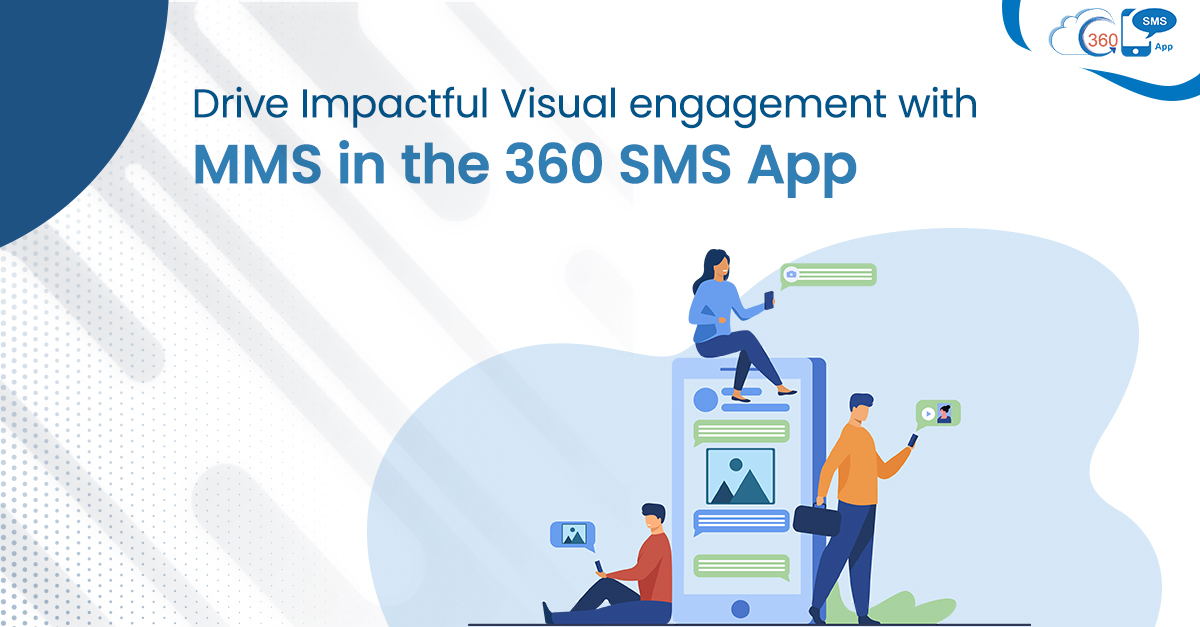
No doubt, words are enough to influence any individual, but visuals impact much more intensely. Now it has been a long time since visuals have become an integral part of marketing and sales strategies. But still, in the business paradigm, MMS continues to render an out-of-the-box experience to its users.
Being an evergreen interaction means it never loses its potential to surprise users with its extraordinary capabilities and unprecedented usage. Though businesses are equipped with several interaction channels still, MMS has managed to set itself apart from all other means of connectivity.
Its no-internet visual exchangeability has made it feasible for businesses to connect and send visuals to users struggling with unstable internet connectivity. Due to this fact, Salesforce has equipped its users to avail of MMS benefits with SMSes through its native 360 SMS App.
Table of Contents
Complement, Substantiate text with MMS
Though there’re multiple methods are available to connect, like WhatsApp, emails, etc., MMS uniquely complement texts adding value to them.
It plays a crucial role either to substantiate what you are saying through text or to accommodate short visual presentation needs of businesses.
To know more about this feature, let’s explore Salesforce MMS functionality of 360 SMS App.
Richer file formats, more options
Sometimes addition of an image with a text works as the last nail in the coffin and makes it more meaningful. So, when you’re finding a way to deliver one of the best user experiences, MMS can effortlessly solve the purpose.
Like, sending a birthday wish through an SMS might help you entice your users, but pairing it up with a beautiful picture or Gif will surely add more emotions. This would help you create a remarkable difference in the way you value your clients. Thus, for a seamless journey, 360 SMS enables you to send rich media messages in multiple formats. This includes JPEG, GIF, PNG, MP3 Audio, MP4 VIDEO with text, PDF file, and MPEG file. So, you do not have to stick to a specific format to use visuals.
SMS, MMS from the same number
On one side, when you are ready to hit the spot with pictures, videos, and Gifs, on the other side, you can’t afford to degrade the value of texts by projecting yourself as an unreliable sender.
Using the Sticky Sender feature to send MMS, in addition to captivating your users, you can build trustworthy relationships by reaching them through a local number.
The number you’d use for sending the very first message will stick to the particular client throughout the conversation. No matter whether you’re using SMS, MMS, WhatsApp, Voicemail, or CTI to contact prospects, it will pick the same number.
Thus, when you use the same number to convey information to customers, they are more likely to listen and respond. And this is due to the confidence you build up by approaching customers through local numbers of their respective cities.
Forget about character limits, Put your best face forward
Salesforce MMS in 360 SMS lets you deliver next-level customer experience either independently or in combination with SMSes without internet connectivity. Combining it with other app features, you can effortlessly send bulk MMS and sidestep trust issues for overseas clients. With MMS, organizations can serve users using pictures and videos innovatively without constraints of character limits.