
 +1 323 641 4417
 +44 740 327 9473
 +61 488 853 632
 +91 852 710 0131
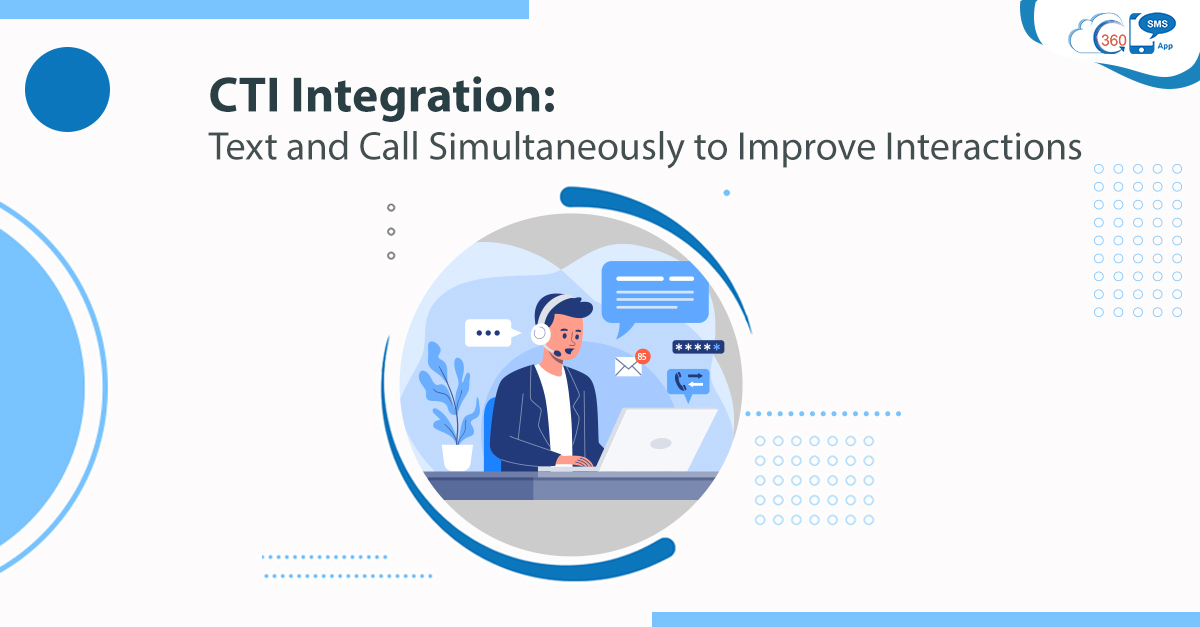
Business operations are not just limited to texts. It extends to calls as well. Good customers service depends on how well you serve your customers. Thus, the better you handle your prospects and customers, the better returns you get. So, one of the best ways to improve customer experiences is better handling of calls. Many times agents have to send text messages while interacting with customers to redefine their experiences. And this is where CTI integration can prove to be a game-changer for every business process. With CTI integration, users can text and call simultaneously and revamp their interaction process. Here’s what all businesses can do for better customer handling.
Table of Contents
CTI Integration for Better Interactions
Handle Calls Better Knowing Your Callers
No doubt, CTI allows organizations to transform the call handling process. As CTI integration allows you to connect your phone with a computer system, agents can make and receive calls through their desktops. Generally, agents cannot identify who the caller is. But CTI integration with Salesforce, agents can immediately find out who their caller is as they have all the relevant information of a caller right in front of their eyes.
As a result, agents can greet callers with their names for personalized interaction, and they do not have to collect the same information repeatedly every time a caller calls.
Also, if any note is made from previous call interaction, it is displayed on the screen, and agents can pick up the conversation from where they left and handle calls effectively.
Take Actions based on Callers Requests and Send Relevant Information Through Texts
Callers call with different concerns. This could be a request or a complaint. Thus, agents can manage calls and resolve inquiries faster with CTI. Say a customer calls to book an appointment, agents can schedule an appointment right away and send confirmation SMS simultaneously.
On the other hand, if a caller complains of loss of card or fraud transaction, agents can take necessary action and send a text with the compliant number and estimated time of resolution to provide callers information in written form.
Send Relevant Resouces While on Call to Educate Callers
Callers approach an organization with several concerns. And sometimes, it could be a lack of information or difficulty to get the desired information on a particular topic.
To resolve such cases faster without extending the call session, support agents can send Salesforce text while on the phone call and send relevant URL redirecting to the desired page. This would help to provide detailed information on the required topic and improve customer experiences.
Close Deals with Call and Texts Simulatemously
Not all business leads need nurturing over a call or through texts. There could be prospective buyers with high purchase intent who calls a firm to clarify their minor doubts before making purchase decisions. Thus, agents can resolve their every concern right on the phone call and help them with the purchase decision.
Further, agents can send payment URLs for quick payment, close the deal faster, and speed up the process. This way, agents can reduce navigation and close deals right over the phone call without giving a chance to callers to give a second thought to their purchase decision.
Improve Experiences of Customer and Employees-Both with CTI Integration
Not only just customer experiences, but CTI integration also paves the way to improve employee efficiency and brand reputation. Without any need for a separate device, agents can transfer calls, perform conference calls, automate bulk dialing, answer, hold, or mute calls, and much more, which helps to manage call operations effectively. This way, agents can lower the call handling time and handle more calls in a day to reduce support cases. To know more about CTI capabilities for better call and customer handling, get in touch with our experts at info@360smsapp.com or contact us here.