
 +1 323 641 4417
 +44 740 327 9473
 +61 488 853 632
 +91 852 710 0131
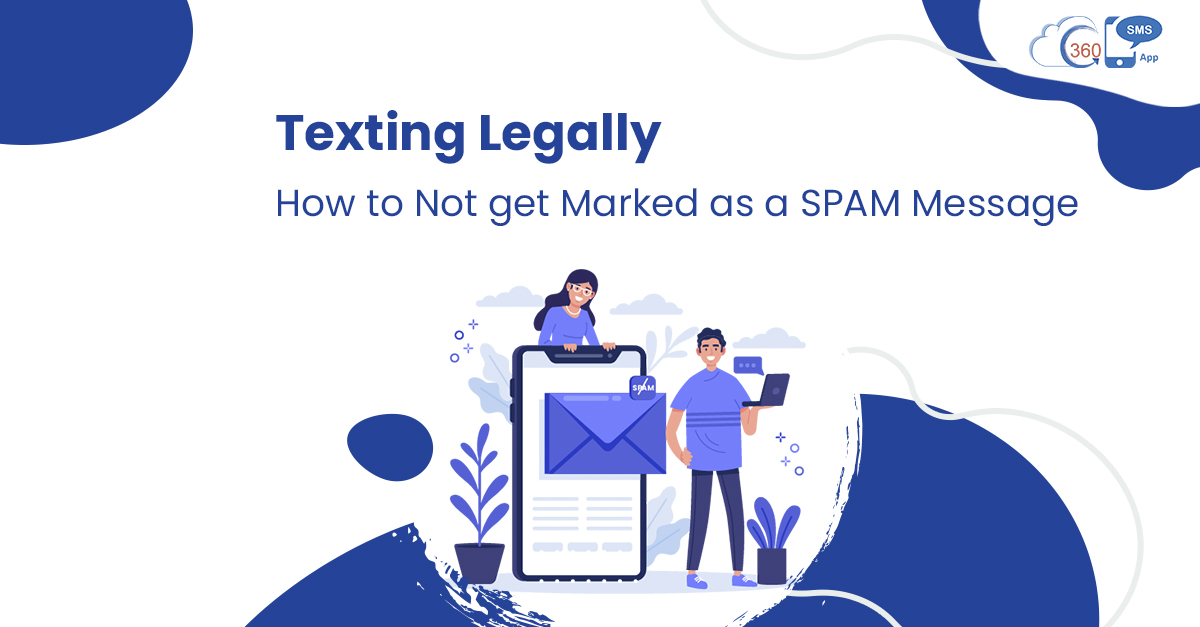
Easy scalability and time-saving operations are a few texting advantages that no other channel can bring. This is the reason why text messages are the first choice of marketers to communicate with audiences. It takes up a lot of effort, time, and investment to create a valuable SMS campaign. But if these messages end up in spam folders and don’t reach audiences, it could severely affect the customer engagement rate and returns. This is why it is crucial to avoid spam.
Thus, one should draft text messages in a way that they’re not marked as spam. And to do so, there are a few practices that one can count on.
Don’t Let Your SMS Campaigns End Up in Spam
Follow carrier-approved practices, branded links & compliant messaging to boost delivery rates.
Carrier-Friendly • Compliant
Table of Contents
Practices to Avoid Spam and Text Legally
Avoid Bulk Short and Non-Branded URLs to Avoid Spam
In the concern of URLs, there are many factors that one must consider to prevent URL embedded SMS from being marked as spam. Firstly, try to avoid sending shortened URLs because recipients can’t make out where the link is redirecting to as opposed to long URLs. Also, try not to send short URLs in SMS to more than 50 people at a time.
Besides, avoid sending repeat texts with the same link at scale. This practice can make carriers suspicious. More importantly, always try to send branded links, as they are more likely to get delivered compared to non-branded links. Although non-branded links also work, it’s always good to use branded links for a better delivery rate.
Avoid Adding Overly Capitalized Words in SMS
It’s acceptable that sometimes you might feel the need to capitalize a few words like FREE, GUARANTEED, etc., to highlight them. But the same practice is also followed by spammers to grab people’s attention and perform fraud activities. This is why such messages are more likely to be blocked by the carriers. So, always steer clear of words in ALL CAPS. Else, it could trigger spam filters.
Keep Special Characters At Bay
Carriers often look for SMS that seems unusual compared to how two people usually text each other. Thus, special characters in text messages can also trigger spam filters. Also, the use of special characters shrinks the character limit from 160 to 70 per SMS. This could exhaust the per-day SMS limit defined by a carrier to trigger carrier filters.
Keep Variations in Text Messages to avoid spam
If you’re sending the same text messages to massive audiences repeatedly, then you’re committing one of the biggest mistakes.
This is also one reason why text messages are marked spam. So, try to keep variations in your text message content to avoid sending the same message repeatedly. This would help to avoid spam o folders too.
Don’t Send Texts Without Consent
Make sure that you’re sending text messages to only those customers who have opted in. More importantly, always provide an easy opt-out option to customers. And once a subscriber has opted out, stop immediately sending out SMS to customers who have opted out. This would help to stay compliant and avoid spam filters. Else, recipients can file complaints against your organizations. This would activate spam filters and mark text messages as spam.
Send Compliant, High-Deliverability SMS with 360 SMS
Manage opt-ins, branded links & message variations automatically inside Salesforce.
Salesforce Native • Spam-Safe
Keep Spam Filters At Bay and Improve Campaign Returns
Like every problem has a solution, there’re solutions to keep SMS away from spam filters too. With the help of the appropriate texting practices, not only can you prevent text messages from being caught in spam filters but make your SMS campaign investment’s worthwhile. Further, you could expect better engagement and returns.
To know more about how to make the best out of text message marketing with 360 SMS, contact us here.